Appointment Reminder Software That Works Before, During, and After the Appointment

One platform. Every channel. No patient app required. No reminder that ends in silence.

Automate reminders, keep patient replies in one shared thread, and turn missed calls into two-way conversations so cancellations and rescheduling requests don't get lost.

  • NL Health Services — 80% no-show reduction
  • 50% fewer phone calls
  • No app required for patients
  • HIPAA + PIPEDA/PHIPA compliant

Most appointment reminders fail for the same reason: they send a message but have no way to handle what comes back. A patient replies to cancel. A patient calls to reschedule. A patient doesn't respond and doesn't show. None of those outcomes resolve themselves — they land on staff who are already managing a full front desk.

Carrick is appointment reminder software that closes every one of those loops. Automated text reminders go out without staff involvement. Replies come back into the same thread, visible to any staff member, with no separate inbox to monitor. Missed calls from patients who prefer to call rather than text convert automatically into text conversations the patient can continue on their own terms.

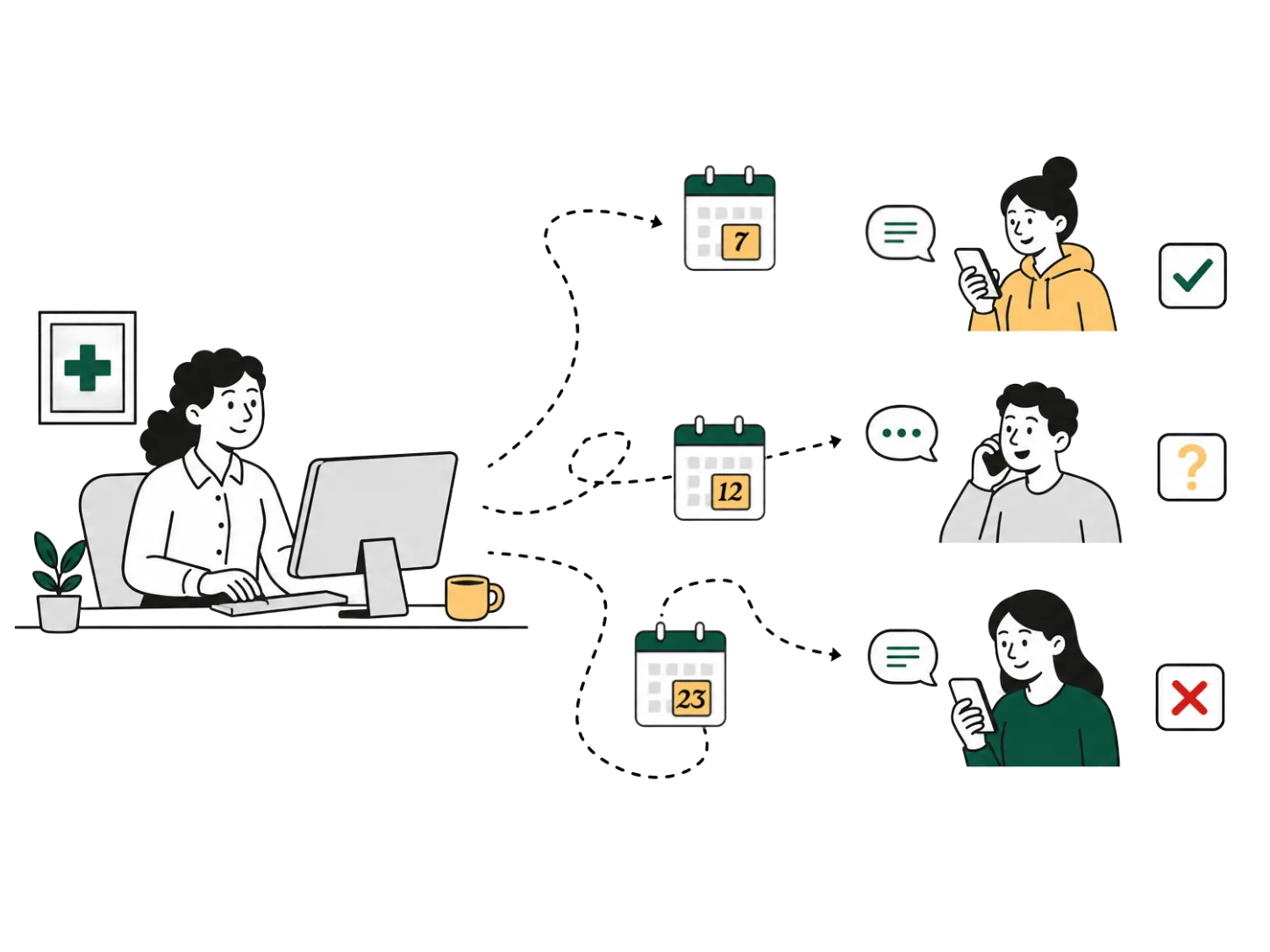
Staff sending appointment reminders that patients confirm, question, or cancel by text and phone

What Is Appointment Reminder Software?

Appointment reminder software is a system that sends automated notifications to patients before scheduled appointments — by text, phone, or email — and manages patient responses and confirmations as part of a patient communication platform. Healthcare-grade appointment reminder software connects to existing scheduling and EMR systems to pull appointment data automatically, sends reminders at configurable intervals before the appointment, and captures patient confirmations and cancellation requests without requiring staff to initiate each message manually.

The distinction between appointment reminder software and a generic bulk messaging tool is the reply layer. A reminder that sends is not useful if staff cannot act on the response. Effective appointment reminder software creates a two-way channel: the patient receives the message, confirms, cancels, or asks a follow-up question, and staff see the full thread — including the original appointment details — alongside every other patient conversation in a single inbox.

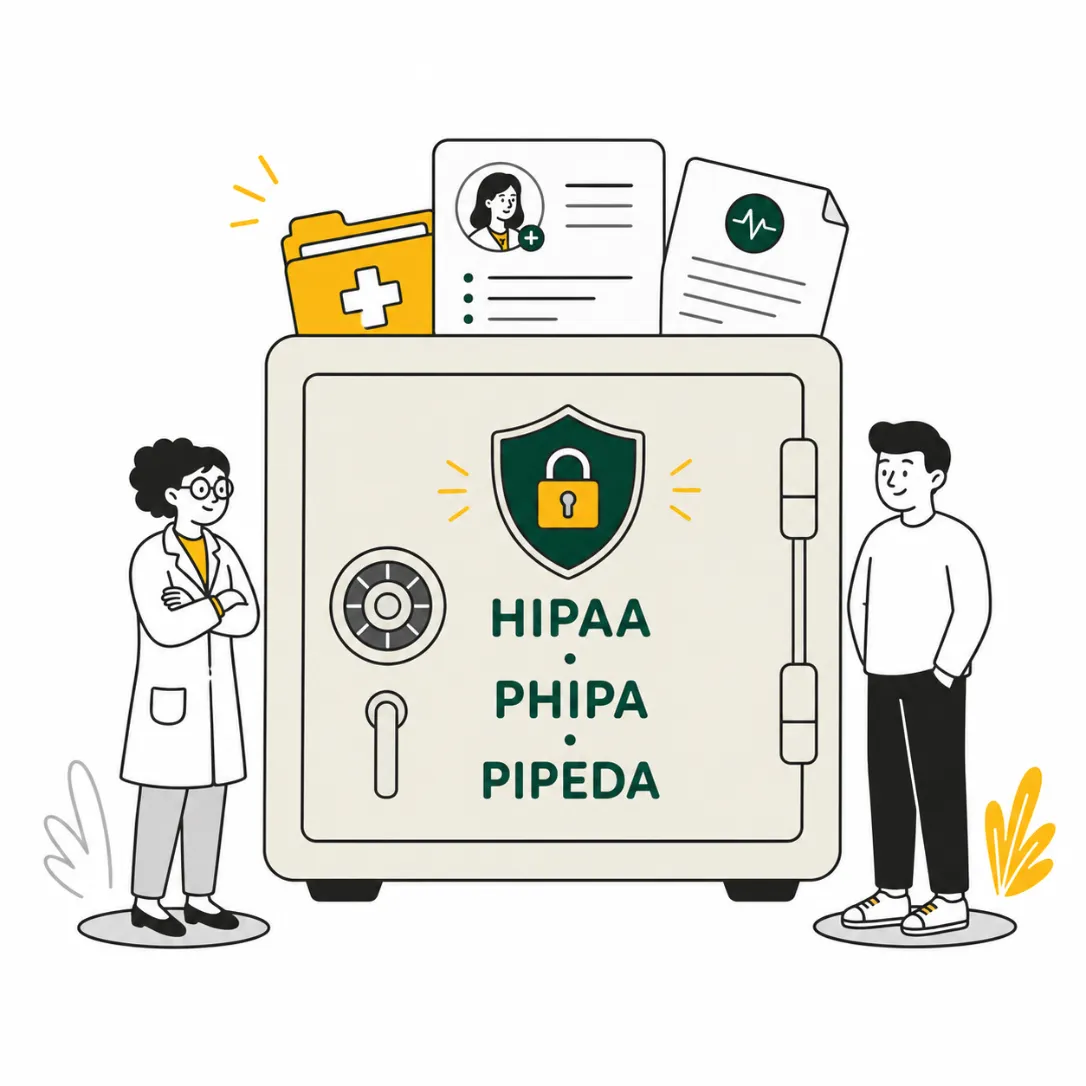
In healthcare settings, that channel must comply with HIPAA in the United States or PIPEDA/PHIPA in Canada, with encrypted message transmission, patient consent management with opt-out handling, and a complete audit log. The compliance layer is not an add-on — it is part of what separates appointment reminder software designed for healthcare from tools built for another industry and repurposed.

Why Appointment Reminders Stop Working

The appointment reminder problem is not a message delivery problem. Most practices already send reminders. The breakdown happens after the message is delivered.

Phone call integration

A patient receives a reminder and wants to reschedule. They reply to the text, but the reply goes to a platform no one is actively monitoring. They call the front desk instead, reach a voicemail, and leave a message. The voicemail sits in a shared mailbox until someone has a moment to check it. By the time a callback happens, the appointment slot has passed without being reassigned.

A patient receives a reminder and confirms, but the confirmation does not sync back to the scheduling system. Staff manually update the schedule at end of day, working from a list of replies they have to cross-reference against a separate tool. A patient who confirmed twice but still did not show creates the same operational problem as a patient who never responded.

Reminder volume compounds this. A practice managing 100 appointments per week generates 200 to 300 reminder messages in that same window, plus replies, confirmations, cancellations, and follow-up questions. Managing that volume through a tool that only sends — with no unified reply layer — guarantees that some proportion of patient responses falls through. The no-show rate becomes a symptom of a communication infrastructure problem, not a patient behavior problem.

The fix is not more reminders. It is a reminder system connected to a channel that can receive replies, surface them to staff, and allow action — without requiring staff to toggle between a phone system, a texting platform, a scheduling tool, and a voicemail inbox simultaneously.

How Carrick Sends Appointment Reminders

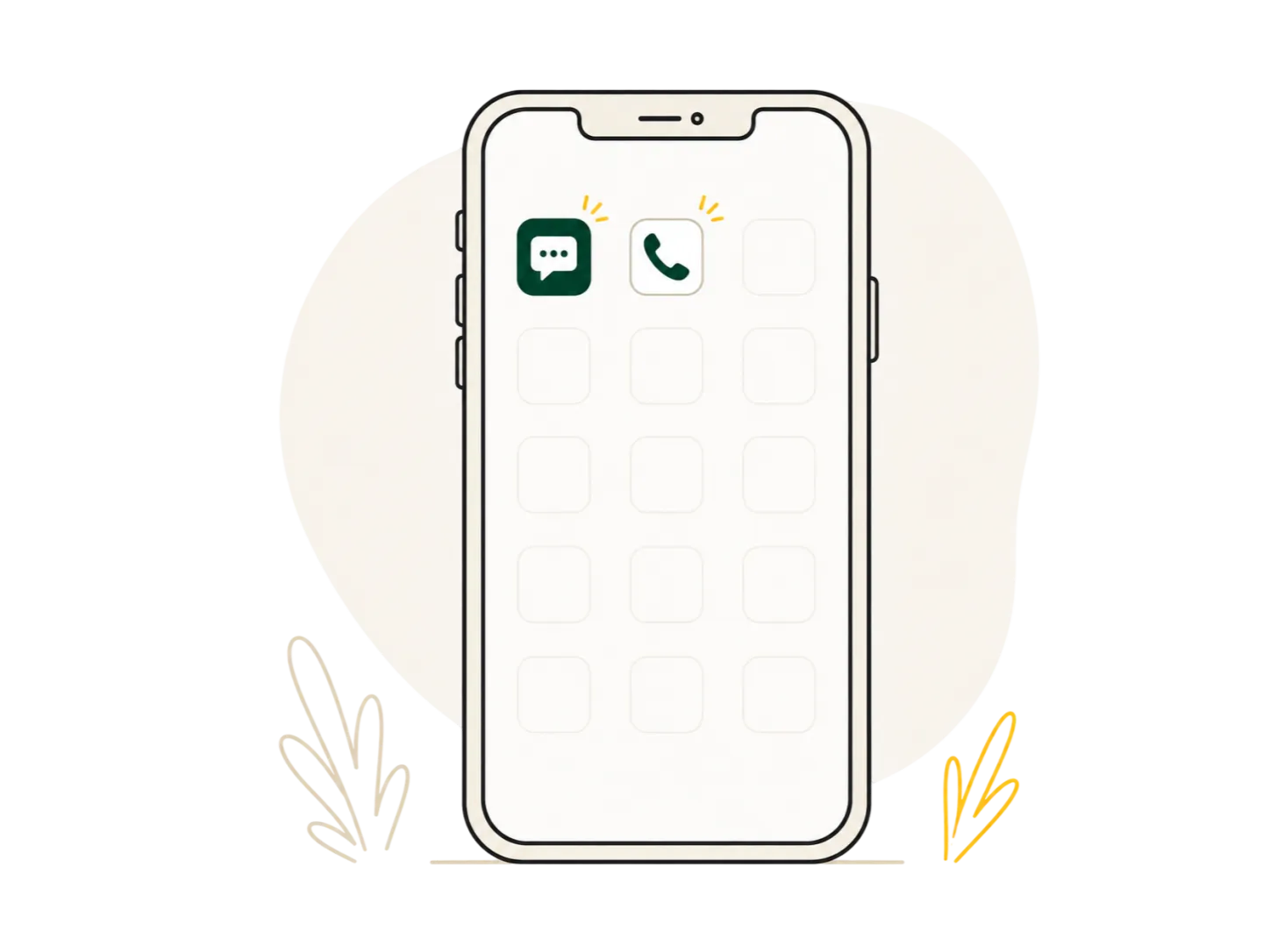
Carrick pulls appointment data from the scheduling or EMR system and sends patient reminders through native SMS — no patient download, no portal login, no behavior change required on the patient side. Patients receive the reminder the same way they receive any other text.

Text reminders.

Reminders are configured for timing — 48 hours out, 24 hours out, day-of, or any combination — and sent automatically. Patients receive the reminder and can confirm, cancel, or reply with a question, all in the same SMS thread. Staff see every reply in the unified inbox alongside the original appointment context. There is no separate reminder dashboard to monitor.

Phone call integration.

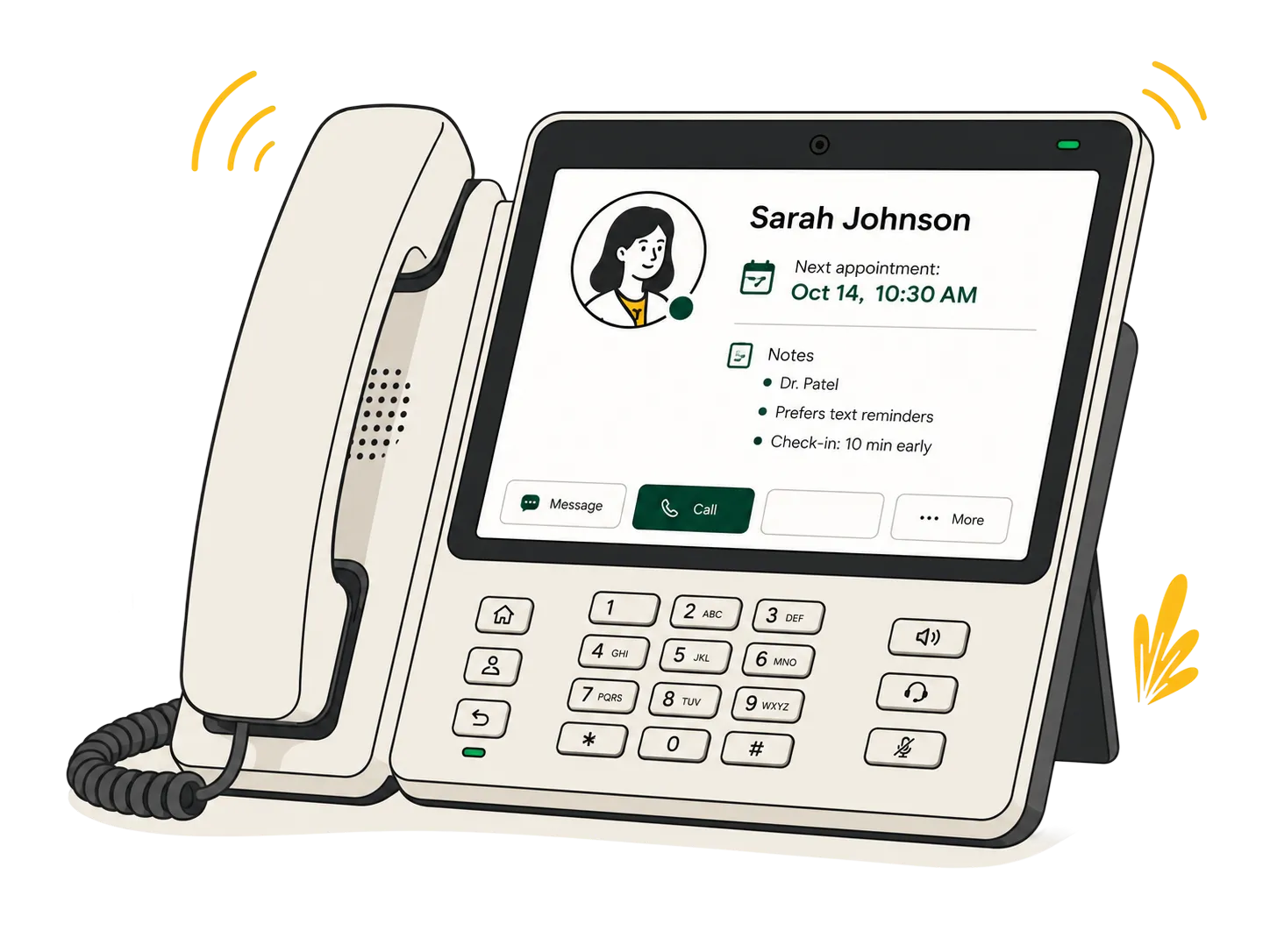
Patients who prefer to call rather than text still reach Carrick. Missed inbound calls convert to text conversations automatically — the patient receives a text they can reply to, and the missed call is flagged in the unified inbox alongside the appointment thread. Staff see the missed call, the patient's upcoming appointment, and any prior messages in a single view. Voicemails become inline messages — visible, timestamped, and actionable by any staff member — rather than audio files waiting in a shared mailbox.

AI-assisted confirmations.

High-volume, predictable inbound interactions — appointment confirmations, simple cancellation requests, clinic hours, directions — are handled by guardrailed AI without staff involvement. The AI surfaces complex or clinical conversations to the appropriate staff member. Routine confirmations resolve without requiring anyone to act.

Staff inbox.

Every reminder, every reply, every missed call, and every AI-handled confirmation threads into the same patient view. Staff work from one place.

No Patient App Required

No Patient App Required

The majority of patients will not download a new app to confirm an appointment. Portal adoption for routine healthcare interactions sits below 30% across most patient populations. A reminder system that routes confirmation requests through a portal or app excludes the majority of the patients it is trying to reach.

Carrick sends reminders to native SMS — the patient's existing phone, through the messaging app they already use. No download, no login, no new account required. The confirmation experience for the patient is a text: the same interaction they use with everyone else in their life. Response rates reflect that.

For healthcare organizations evaluating appointment reminder software: the patient compliance requirement is the UX requirement. Patients will not change their behavior for a reminder. The reminder has to meet them where they are.

Built for Healthcare Compliance

Every Carrick appointment reminder is covered by a signed Business Associate Agreement, included with every plan. The platform meets HIPAA requirements for US-based healthcare organizations and PIPEDA/PHIPA requirements for Canadian providers — covering clinics, pharmacies, hospitals, health systems, and health authorities across North America.

Compliance is built into the infrastructure: encryption at rest and in transit, patient consent management with automatic opt-out handling, full message audit logs with timestamps and access records, and role-based access controls that govern what each staff member can view and send. Healthcare organizations do not build a compliance layer on top of Carrick. The BAA is signed. The safeguards are in place. Onboarding is a configuration process, not an IT project.

Built for Healthcare Compliance

What Clinics Report

NL Health Services deployed Carrick across 30+ primary care clinics serving 70,000+ patients province-wide. After the first year of operation: no-show rates dropped by 80%. Inbound phone call volume dropped by 50%. Patients who previously called repeatedly and reached no one began receiving consistent, timely outreach — and responding.

The call volume reduction is the result that surprises most new customers. Opening a reliable two-way text channel for appointment reminders does not add to the inbound load. It replaces the repeat calls from patients who had no other way to confirm, cancel, or reschedule. When patients have an easy path, they use it. When the alternative is a busy front desk phone, they call again — and again.

Acacia Apothecary & Wellness reduced inbound phone calls by 20%. Routine refill requests and appointment follow-ups now move through text entirely, with patient replies stored as a permanent record that every staff member can see regardless of who handled the original conversation.

HealthOne's Director of Strategy and Partnerships, Jaime Cahill, notes that Carrick "gives unprecedented visibility into patient questions and needs" by wrapping around existing systems rather than replacing them.
Frequently Asked Questions

What is appointment reminder software, and how does it work?

Appointment reminder software connects to a healthcare organization's scheduling or EMR system, pulls upcoming appointment data automatically, and sends patients a reminder by text or phone at a configured interval before the appointment. When a patient replies to confirm, cancel, or ask a question, the response appears in the same thread — visible to staff without requiring manual follow-up. Healthcare-grade reminder software includes HIPAA-compliant encryption, patient consent management, and a full audit log.

Do patients need to download an app or create an account to receive reminders from Carrick?

No. Patients receive reminders through native SMS on their existing phone and reply the same way. No download, no login, and no account creation is required. The experience for the patient is identical to receiving and replying to any standard text message.

What happens when a patient calls to reschedule instead of replying to the text reminder?

When a patient calls and the line is busy or unanswered, Carrick captures the missed call and opens a two-way text conversation automatically. The patient receives a text they can reply to immediately. Staff see the missed call flagged in the unified inbox alongside the patient's appointment history and any prior messages, and can respond by text or arrange a callback — without the interaction disappearing into a voicemail queue.

Is Carrick compliant for both US and Canadian healthcare providers?

Yes. Carrick meets HIPAA requirements for US-based providers and PIPEDA/PHIPA requirements for Canadian providers. A signed Business Associate Agreement is included with every plan. No additional compliance configuration is required on the organization's side.

Which scheduling and EMR systems does Carrick integrate with for sending reminders?

Carrick integrates with major scheduling and EMR systems used across North America. Specific integration compatibility is confirmed during onboarding. Contact the team at carrick.io with your current system to verify compatibility before booking a demo.

See How It Works in 30 Minutes

Book a demo and we'll walk through your current reminder workflow, show you where Carrick closes the gaps, and configure a setup matched to your clinic or health system — no IT project required.