Reduce status-check calls
Proactively answer routine “Did you receive it?” and “What happens next?” questions before patients need to call.
Workflow notifications
Carrick sends transactional patient updates when referrals and forms are received, prescriptions or services are ready, and the next step becomes clear—then keeps questions and follow-up connected to the care team.

Not a campaign—a useful update
Patients should not need to call simply to learn whether information arrived or what happens next. A timely notification keeps them oriented while routine work continues behind the scenes.
Proactively answer routine “Did you receive it?” and “What happens next?” questions before patients need to call.
Confirm important milestones and make the next administrative step clear while the workflow is moving.
Connect the update, patient reply, ownership, and follow-up in one shared communication history.
How it works
Make routine progress visible to the patient while keeping exceptions, questions, and follow-up visible to staff.
01
A referral arrives, a form is received, a prescription becomes ready, or another configured milestone is reached.
02
The patient receives a clear, personalized notification with the appropriate detail and next step.
03
They follow a link, provide missing information, reply with a question, or wait with confidence for the next update.
04
Replies and staff actions remain visible so the team can resolve exceptions without asking the patient to start over.
Transactional healthcare updates
Let patients know that a referral has reached the receiving team and what they should expect from the process.
Close the loop when intake forms, consent documents, or requested information move through the workflow.
Tell patients when an order, prescription, device, or scheduled service is ready for the next action.
Give patients a clear path forward after an appointment, review, transfer, or administrative milestone.
Part of the Carrick platform
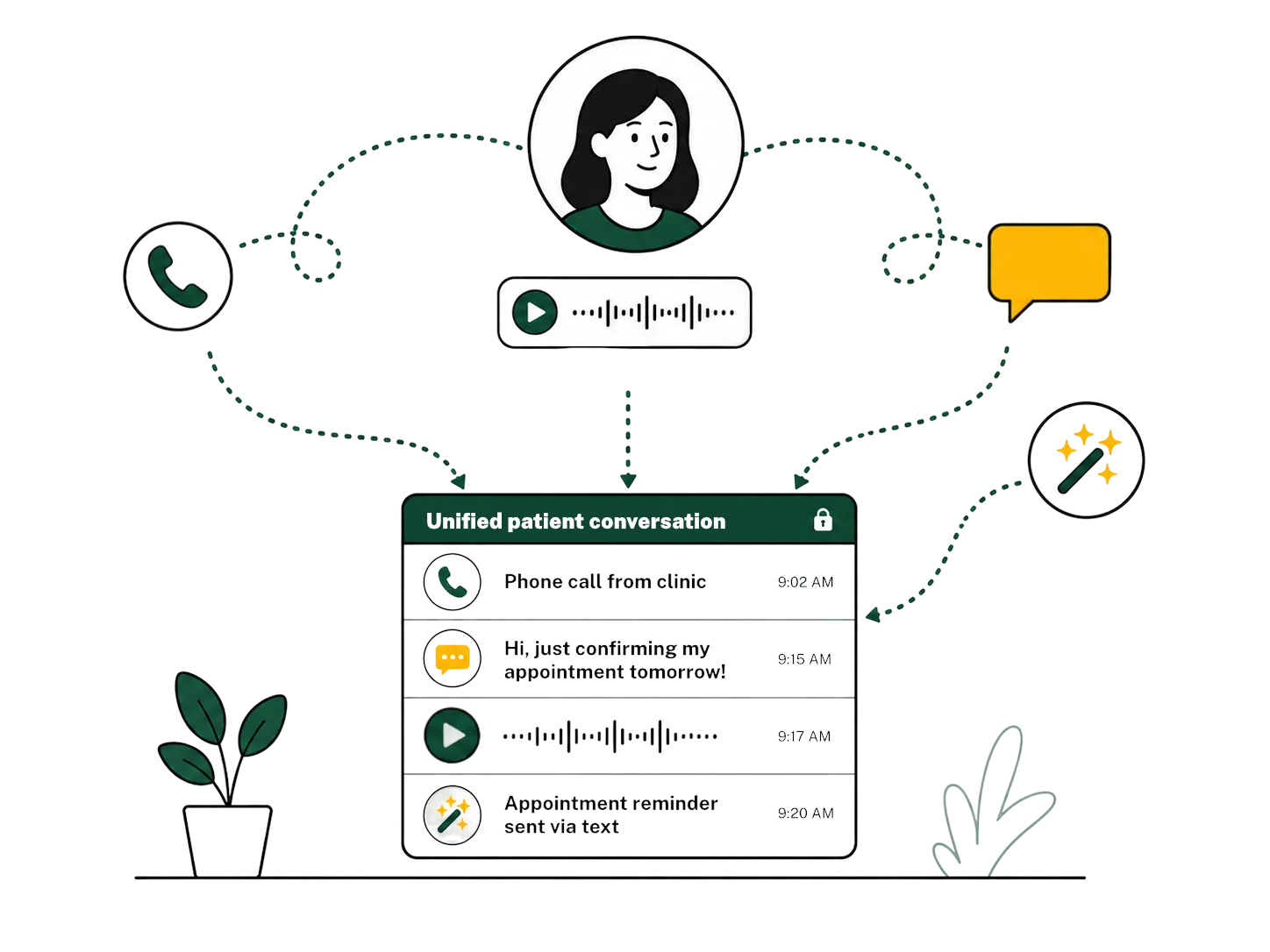
A status update is more useful when staff can see why it was sent and what happened afterward. Carrick connects notifications with secure two-way messaging, calls, voicemail, forms, appointments, internal notes, and follow-up.
Use approved templates and personalized workflow details.
Bring patient replies into a visible, assignable team workflow.
Connect external systems where the workflow and integration allow.
Clear, appropriate communication
A good transactional notification is specific, recognizable, and easy to act on. It confirms the relevant milestone, explains the next administrative step, and gives the patient a clear route to help.
Healthcare organizations can define approved content, consent practices, access, and escalation paths for each workflow. Sensitive or complex questions can move to an authorized staff member instead of being handled by a generic automated response.
Explore two-way patient conversationsBuilt for healthcare
Confirm routine requests, forms, referrals, and administrative next steps.
Learn more →Keep patients oriented through intake, review, scheduling, and follow-up.
Learn more →Send prescription readiness, refill, pickup, and service updates.
Learn more →Close the loop on forms, documents, eligibility, and missing information.
Learn more →A transactional patient notification is a personalized update tied to a specific workflow event or change in status. Examples include confirming that a referral or form was received, telling a patient that a prescription or service is ready, or explaining the next administrative step.
Carrick can support updates for referral milestones, forms and documents, prescription or service readiness, appointment access, administrative follow-up, and other configured healthcare workflows.
Yes. Carrick supports two-way messaging, so patients can ask a question or provide a requested update from their default messaging app. Replies can continue in a shared team workflow.
Carrick can support connected and automated notification workflows. The right setup depends on the healthcare organization, source system, available data, security requirements, and event that should trigger the update.
No. Patients can receive updates and reply through the default messaging app already on their phone, without downloading Carrick or signing in to another portal.
Carrick supports HIPAA-compliant texting for US healthcare organizations and PIPEDA/PHIPA-compliant texting for Canadian providers. Each organization remains responsible for configuring consent, message content, access, and workflows appropriately.
See Carrick in action
See how Carrick can help your team reduce status-check calls, guide patient next steps, and keep every follow-up connected.
Talk to an expert